1 min read
Azure – A new troubleshooting tool – VM Inspector – is available in preview
If you work with virtual machines on Azure you already know that sometime things go wrong and you need to troubleshoot what is happening with the...
1 min read
With the growth of Teams use and increase of number of participants in meeting, it may become complicated to identify and troubleshoots issues – especially call quality ones.
Well, Teams administrators now have additional troubleshooting capabilities allowing them to search for participant by UPN, name or additional fields like session type or start/end time.
In addition of this, administrators are now also able to export the list of meeting participants with meeting details, including call quality for each participant.
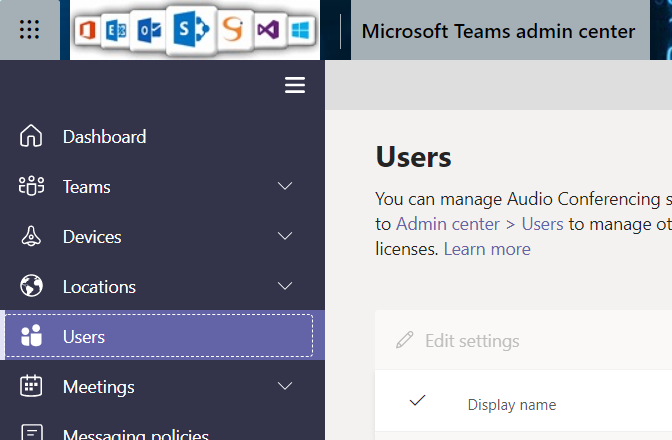
To take advantage of it, logon to your Teams administration portal (https://admin.teams.microsoft.com/) and access the Users blade to select the user you want to gather details
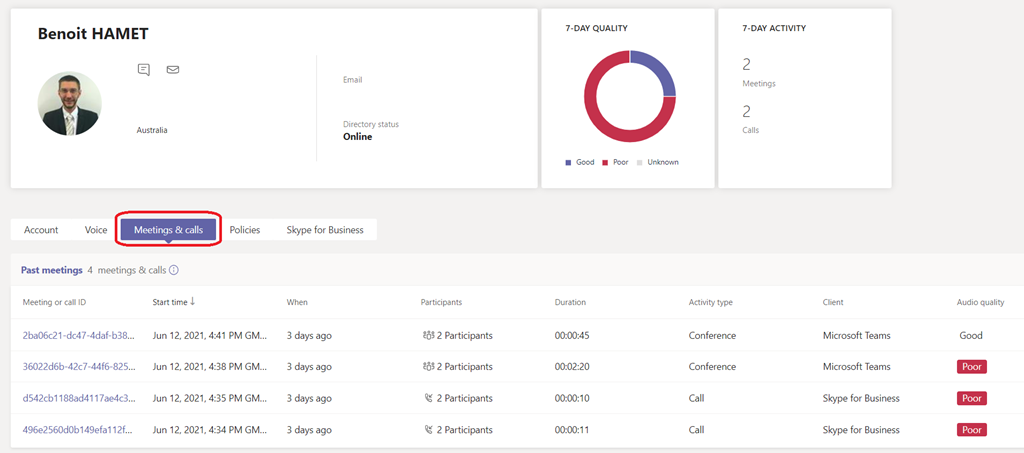
Then select the user you want to troubleshoot and access the Meetings & calls tab to select the meeting ID you want to gather the details
There you can see the details about the meeting and participant; you can export the data using the Export to Excel button available on the right of the search field. The Export to Excel generates a report with each participant details and call quality information
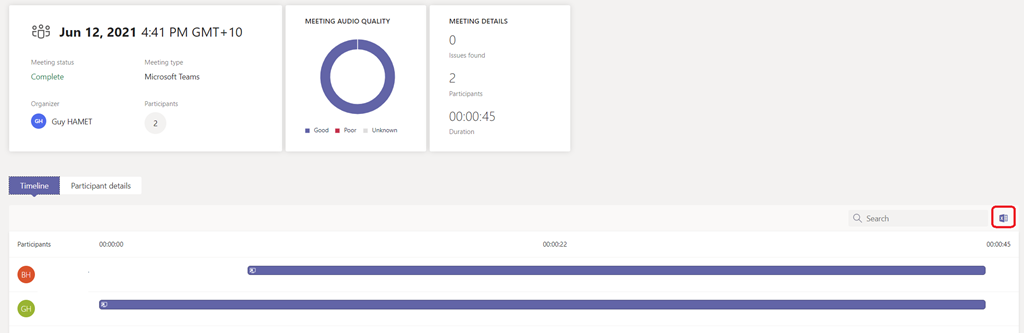

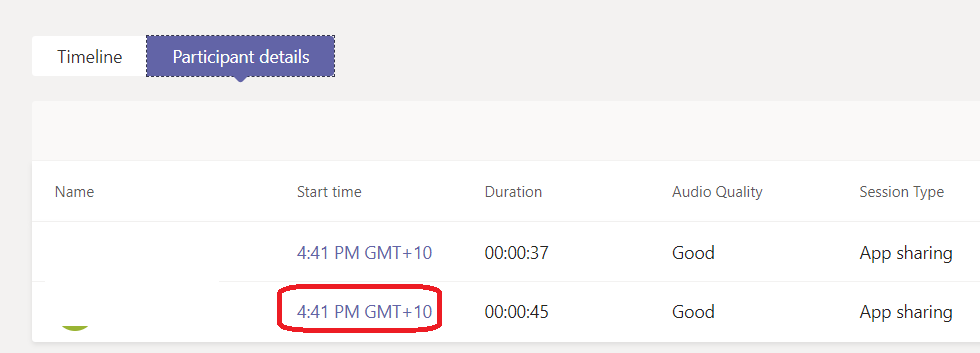
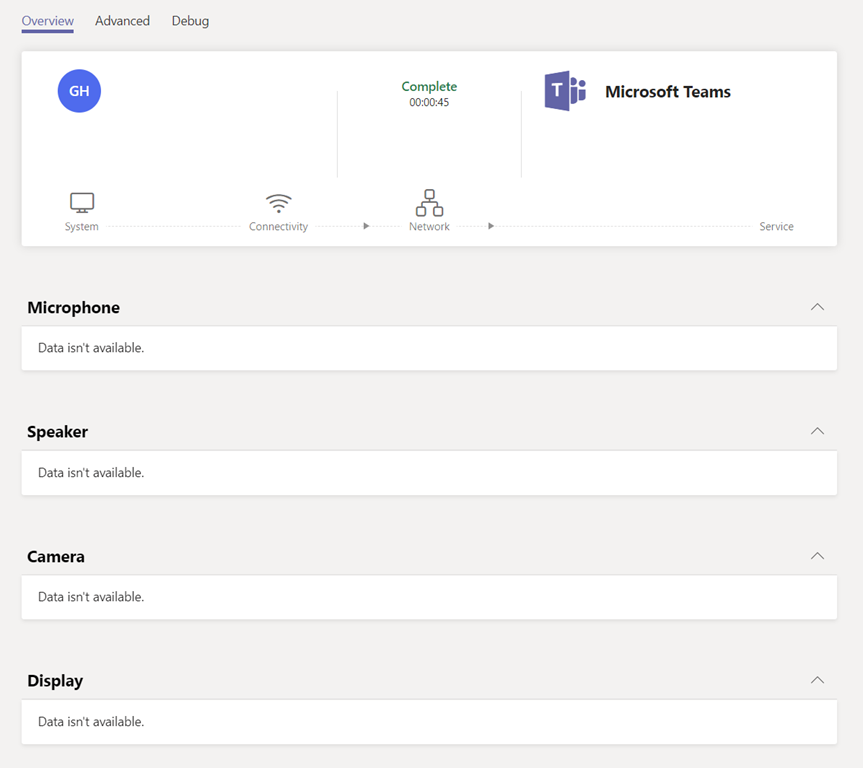
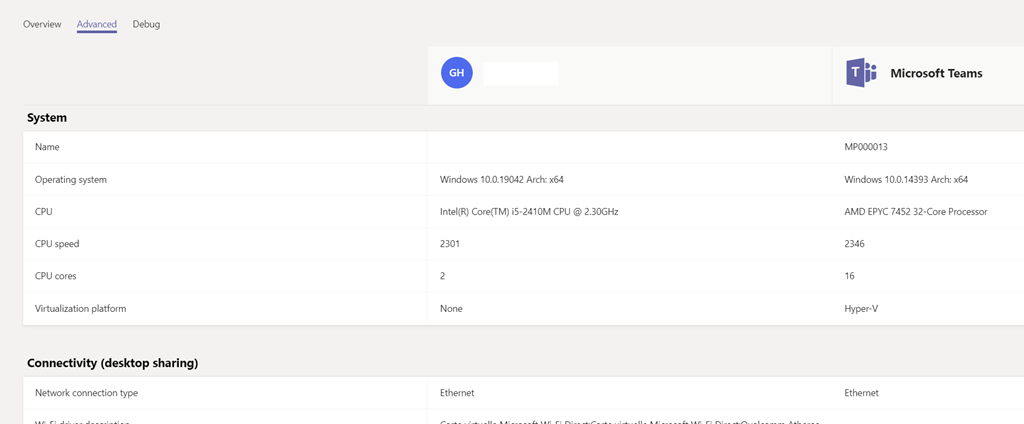
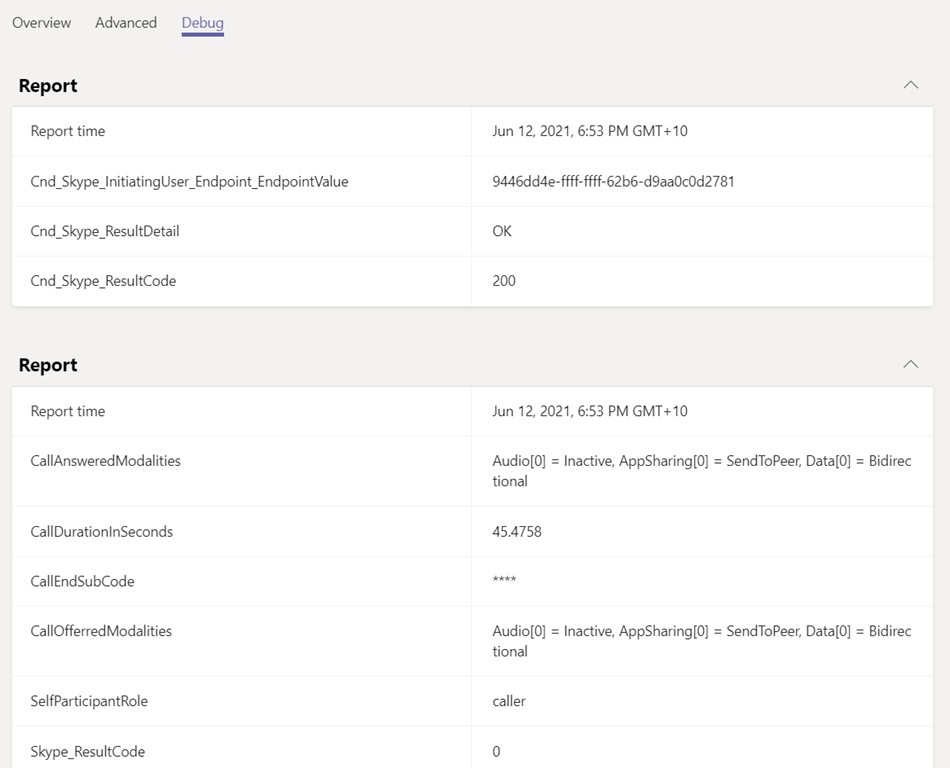
Then if you access the Participant details tab and click on one of the Start time of one of the participant you will get meeting/call details for this specific participant, helping identifying call quality or other issues