1 min read
Teams – You can manage Teams Meeting backgrounds
As you know Teams has been allowing end-users to either blur or set a custom background for their meeting.
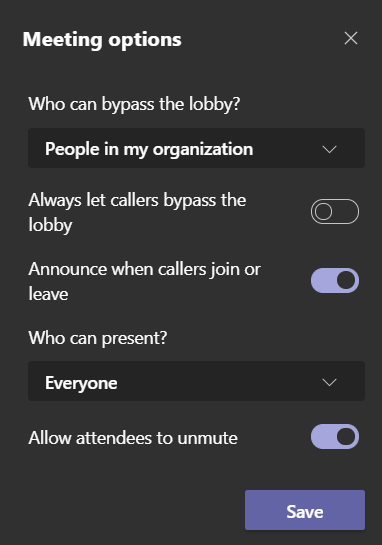
The meeting organizer of a Teams meeting can now update the meeting option from the client.
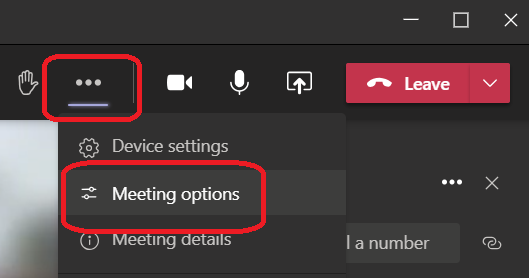
When on the meeting, open the ellipse menu (you know the 3 dots) and choose the Meeting options option
And then you can update the options, from who can bypass the lobby to who can present during the meeting